01
Inspect with context
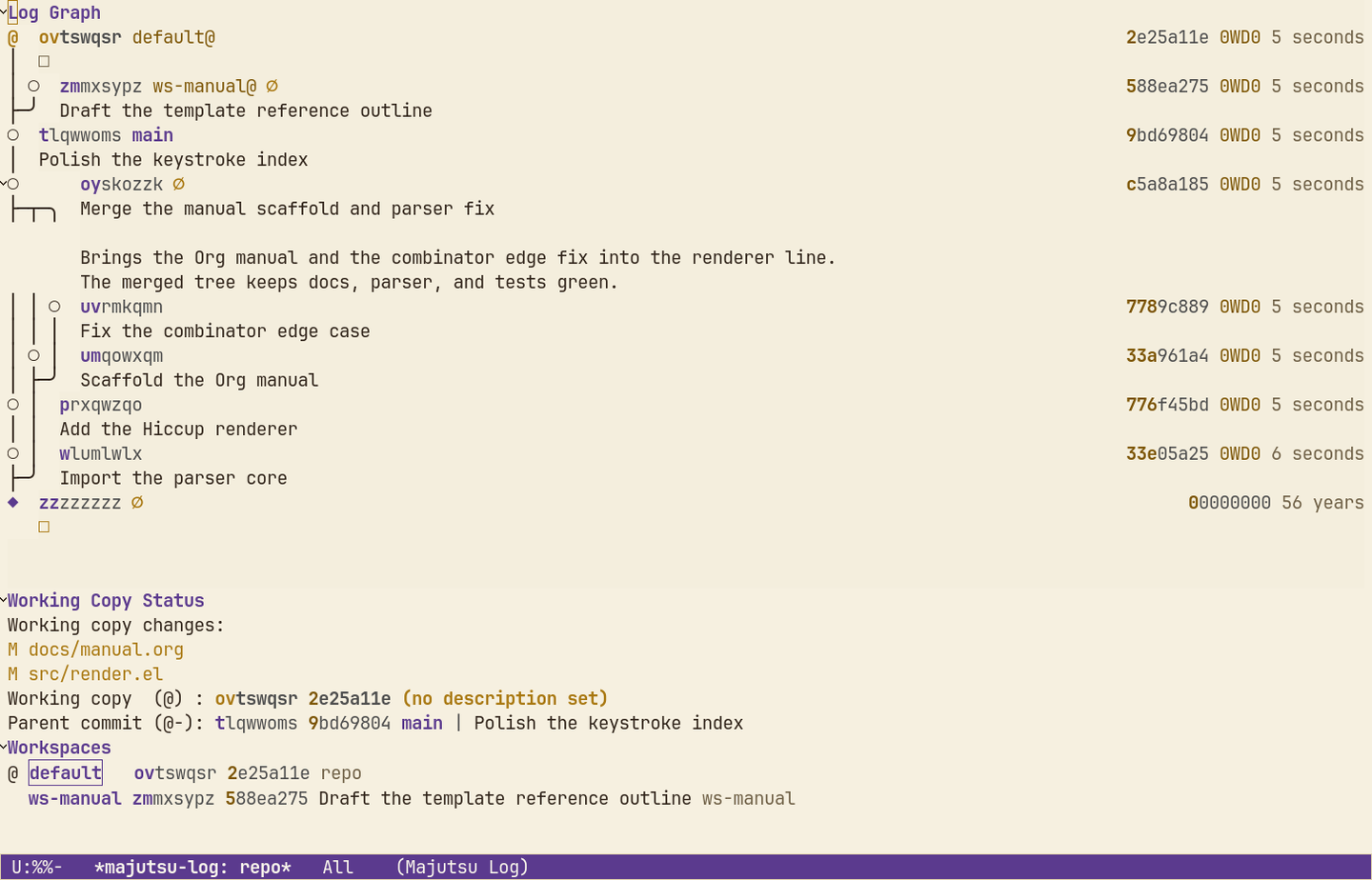
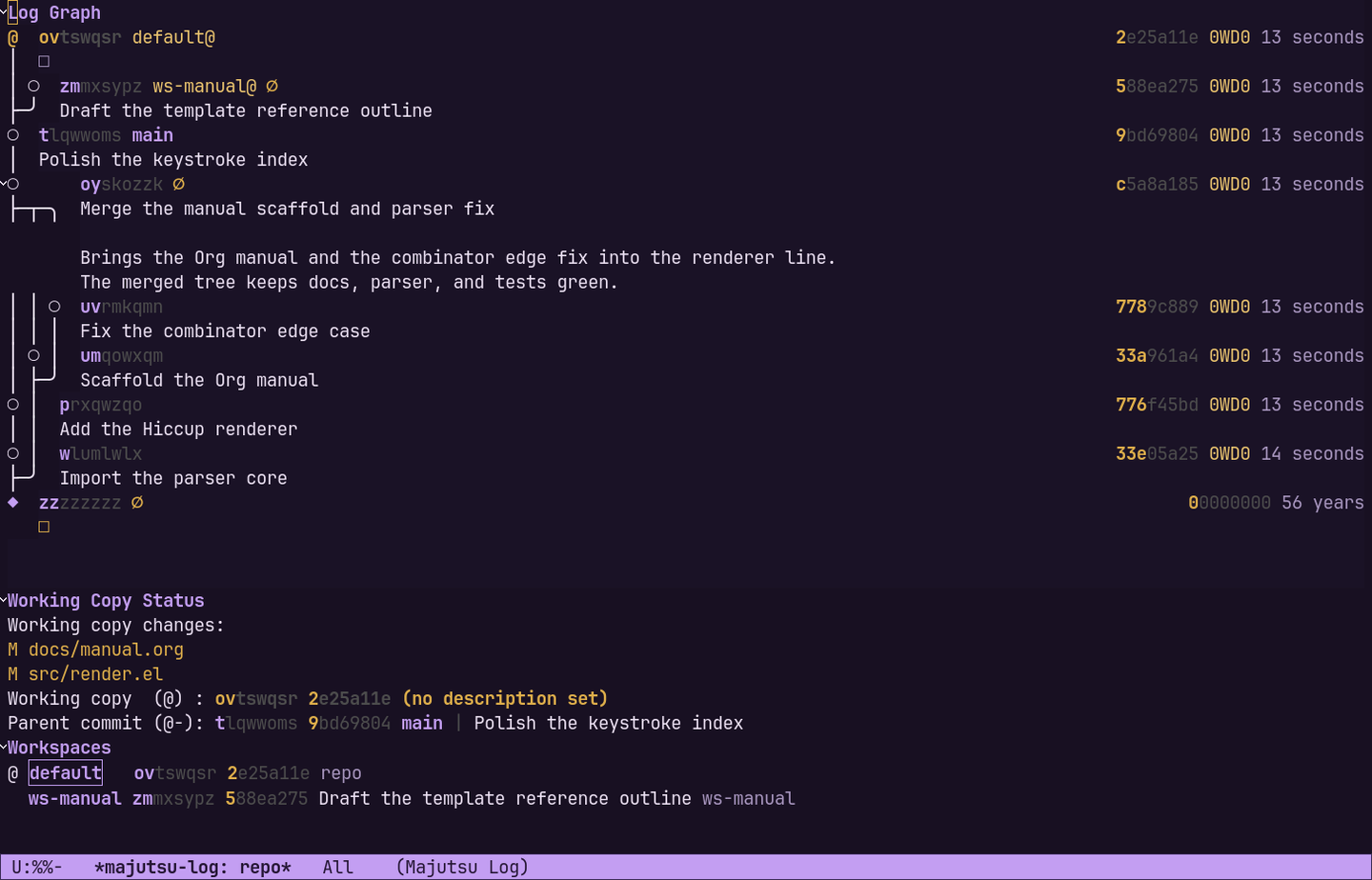
Navigate logs, diffs, files, operations, and conflicts in structured Emacs buffers.
 Majutsu
Jujutsu · Emacs · experimental
Majutsu brings a Magit-inspired, section-oriented interface to Jujutsu—built for inspecting, rewriting, and understanding changes quickly.
Majutsu manual · Documentation for the current main branch.
01
Navigate logs, diffs, files, operations, and conflicts in structured Emacs buffers.
02
Describe, squash, rebase, split, restore, and edit revisions through focused transients.
03
Use familiar keys, completion, sections, and customization instead of switching tools.
Install
Majutsu lives on GitHub and installs with your favorite package manager:
(use-package majutsu
:straight (:host github :repo "0WD0/majutsu"))(use-package majutsu
:vc (:url "https://github.com/0WD0/majutsu"))Doom Emacs and requirements are covered in the Installation guide.
Start here
Install Majutsu, visit a Jujutsu workspace, then run:
M-x majutsu